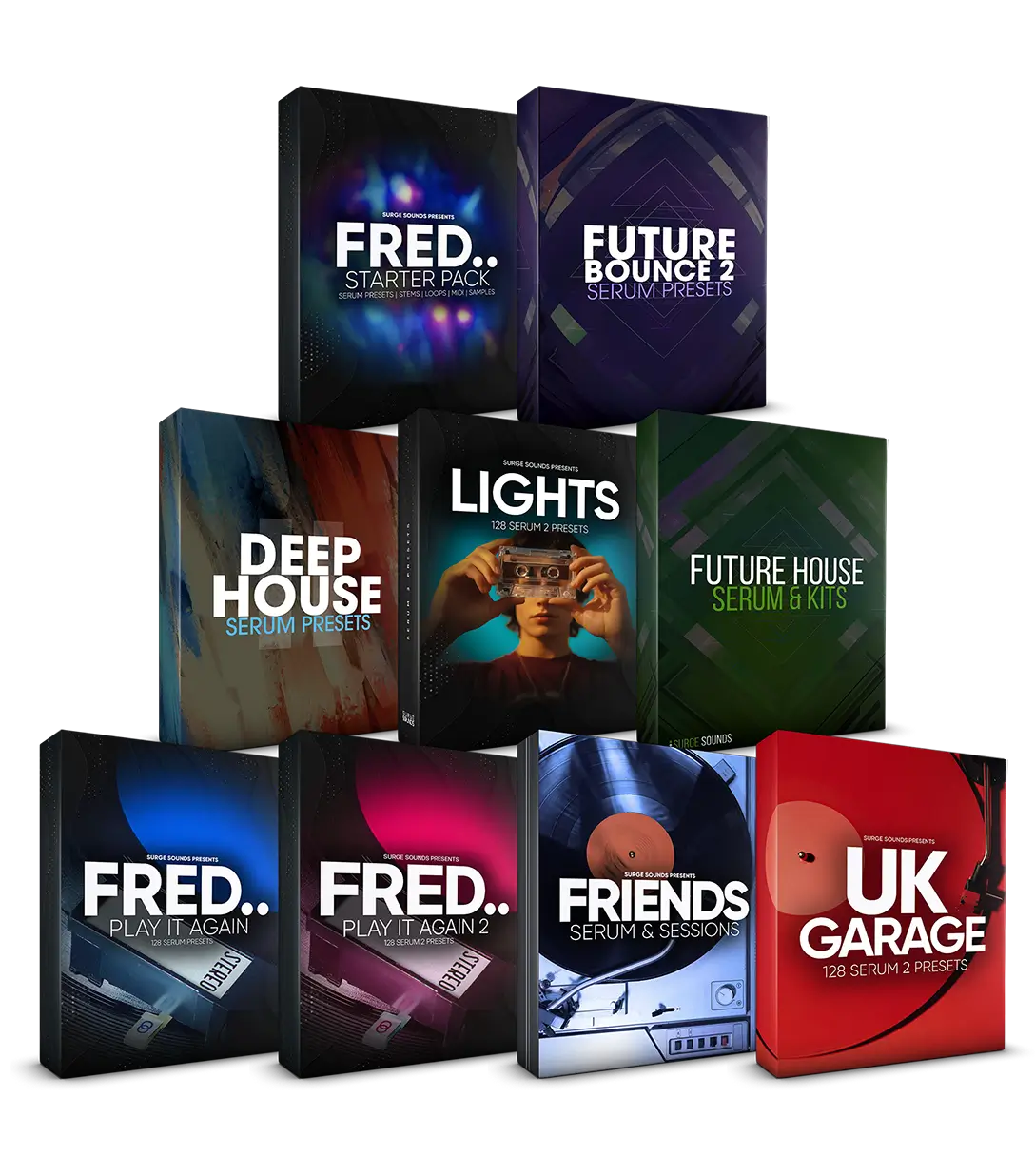
House & UK Garage
-
1,050+ Serum Presets for 70% OFF
Serum 2 Ultimate
-
Hyperpop, Tech House, UK Garage & Pop House
with
640 Serum 2 Presets



October 26, 2026

Finding a free FL Studio theme is easy. Finding one you can produce in all day takes longer.
Every theme below is a free download made by Surge Sounds, with a preview and the same one minute install.
Each theme shows the visual with links to the download.
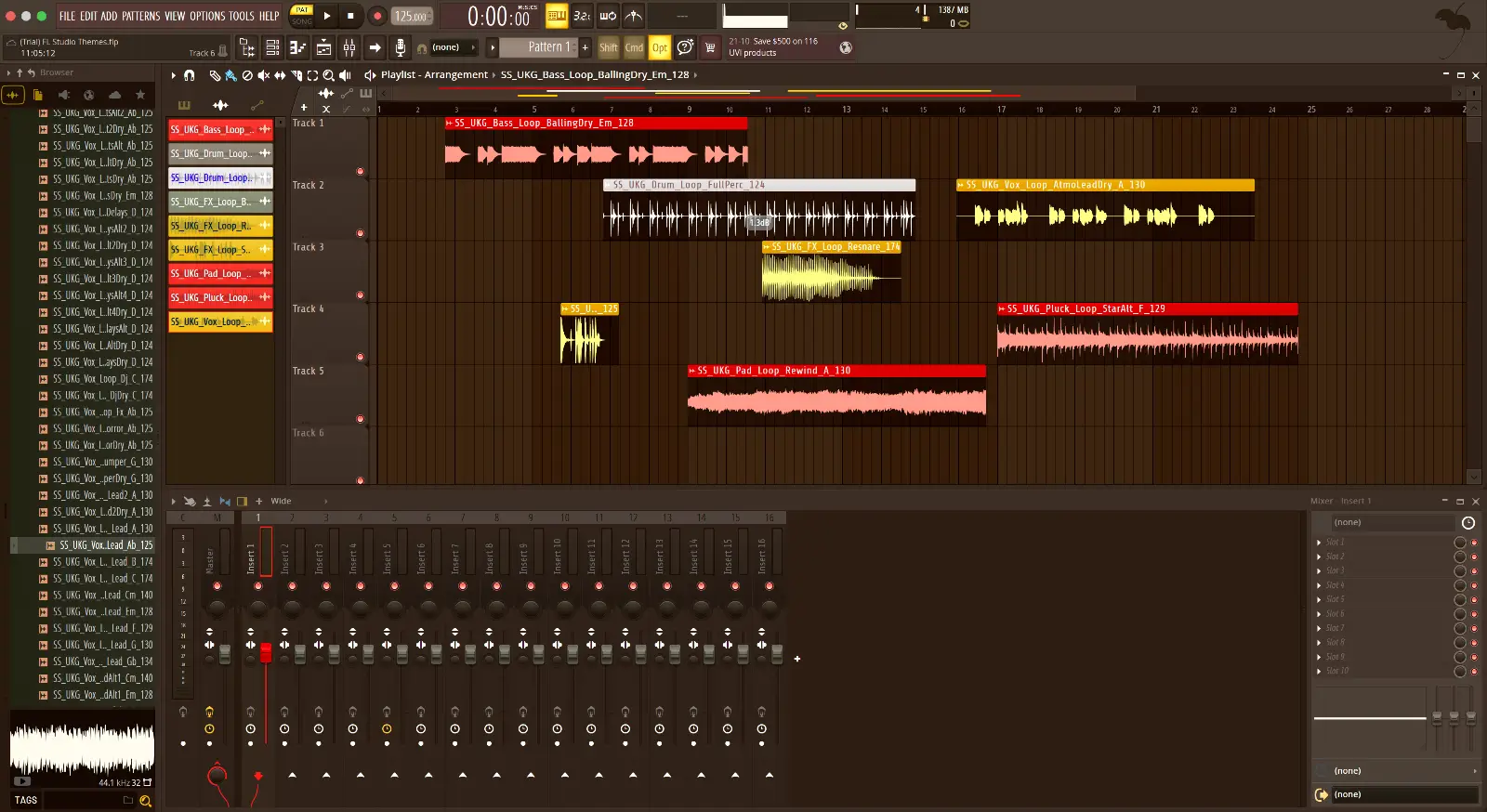
Open TR-808 once and the default theme starts to look unfinished.
Switching back takes one click on the default theme.
Free download, one restart, done.
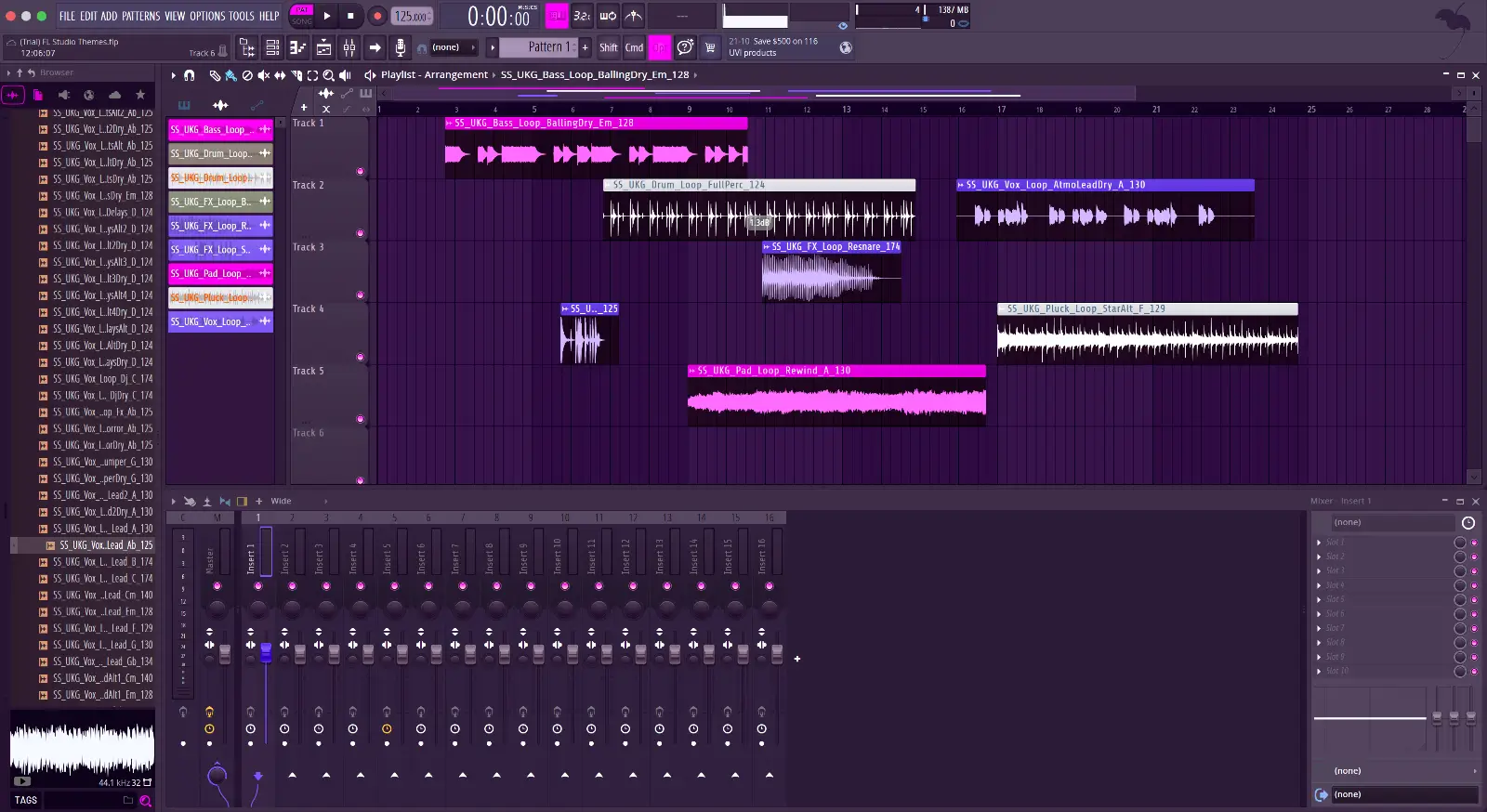
Few free themes are as retro-futuristic as Synthwave, which is why it sits on this list.
The look carries into the piano roll and the mixer, so there is no odd window out.
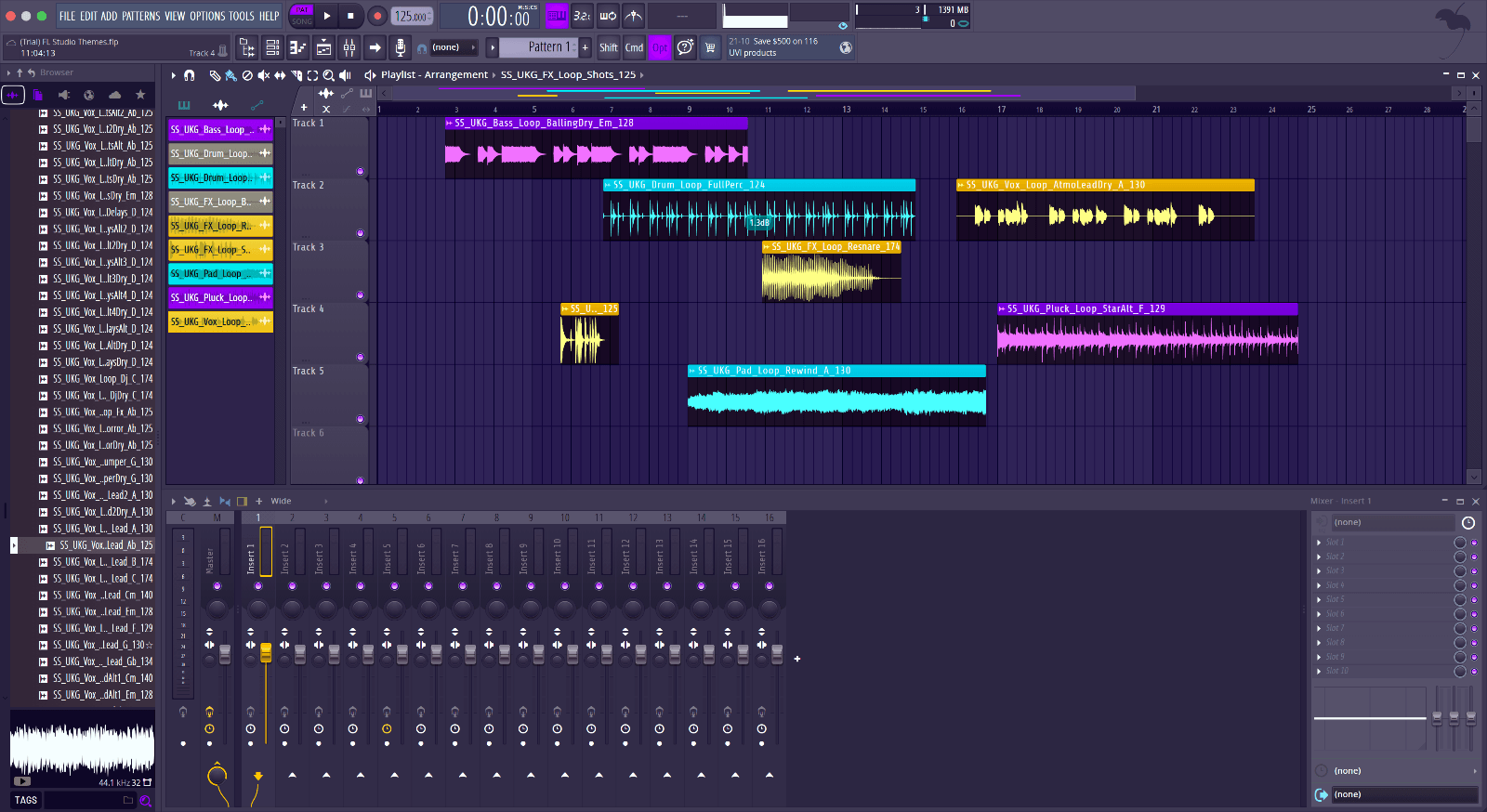
Hyperpop does one thing to FL Studio, it turns the window up to match the music.
Selected clips still stand out from the rest, which is the first thing to check on any theme.
Run it for a week and the default theme will feel like someone else's.
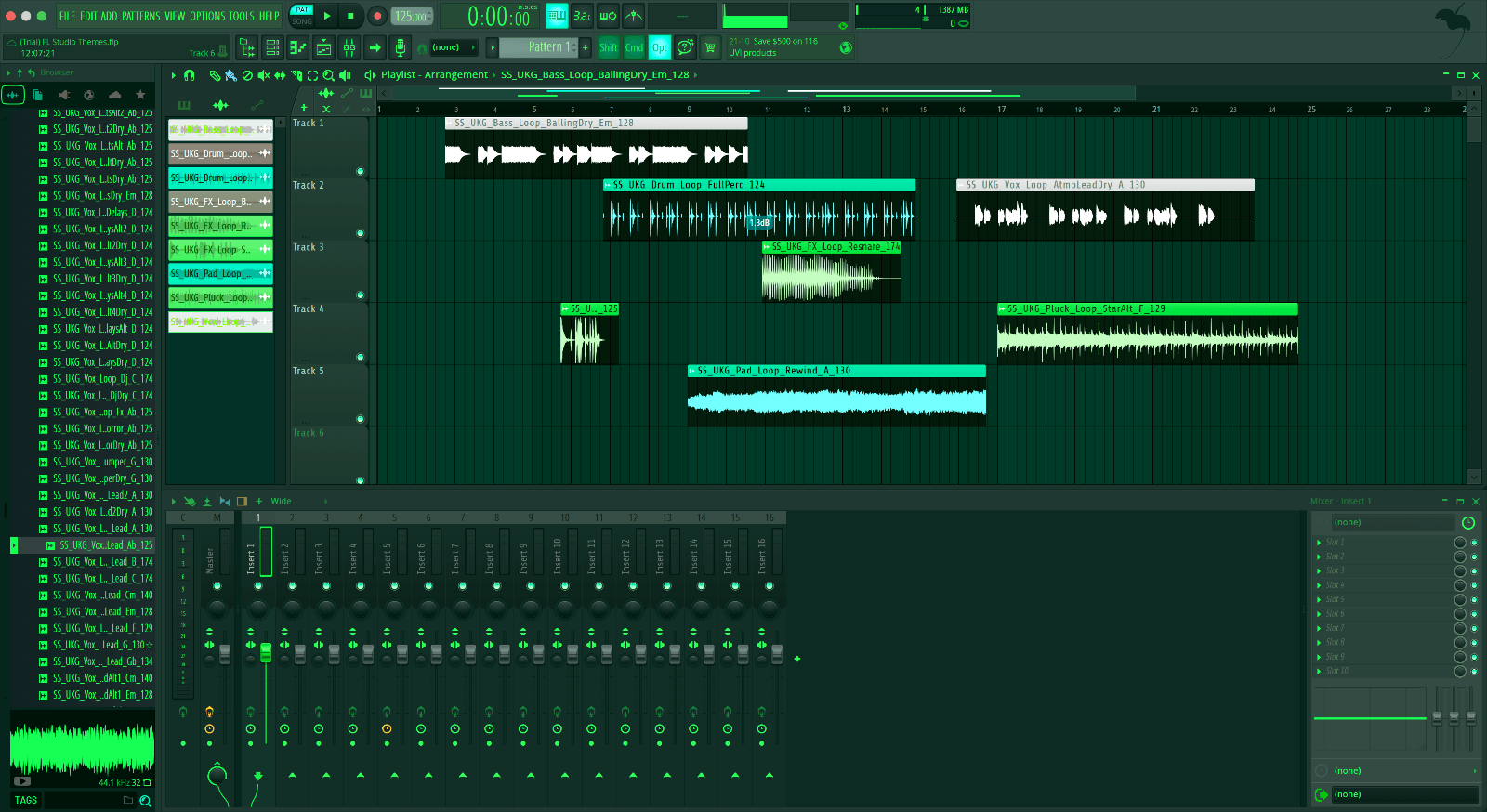
Matrix is the Surge Sounds take on the movie’s green tinted world.
The color scheme is saved in the theme itself, so it survives updates and new projects.
Get it free and FL Studio looks like it came that way.
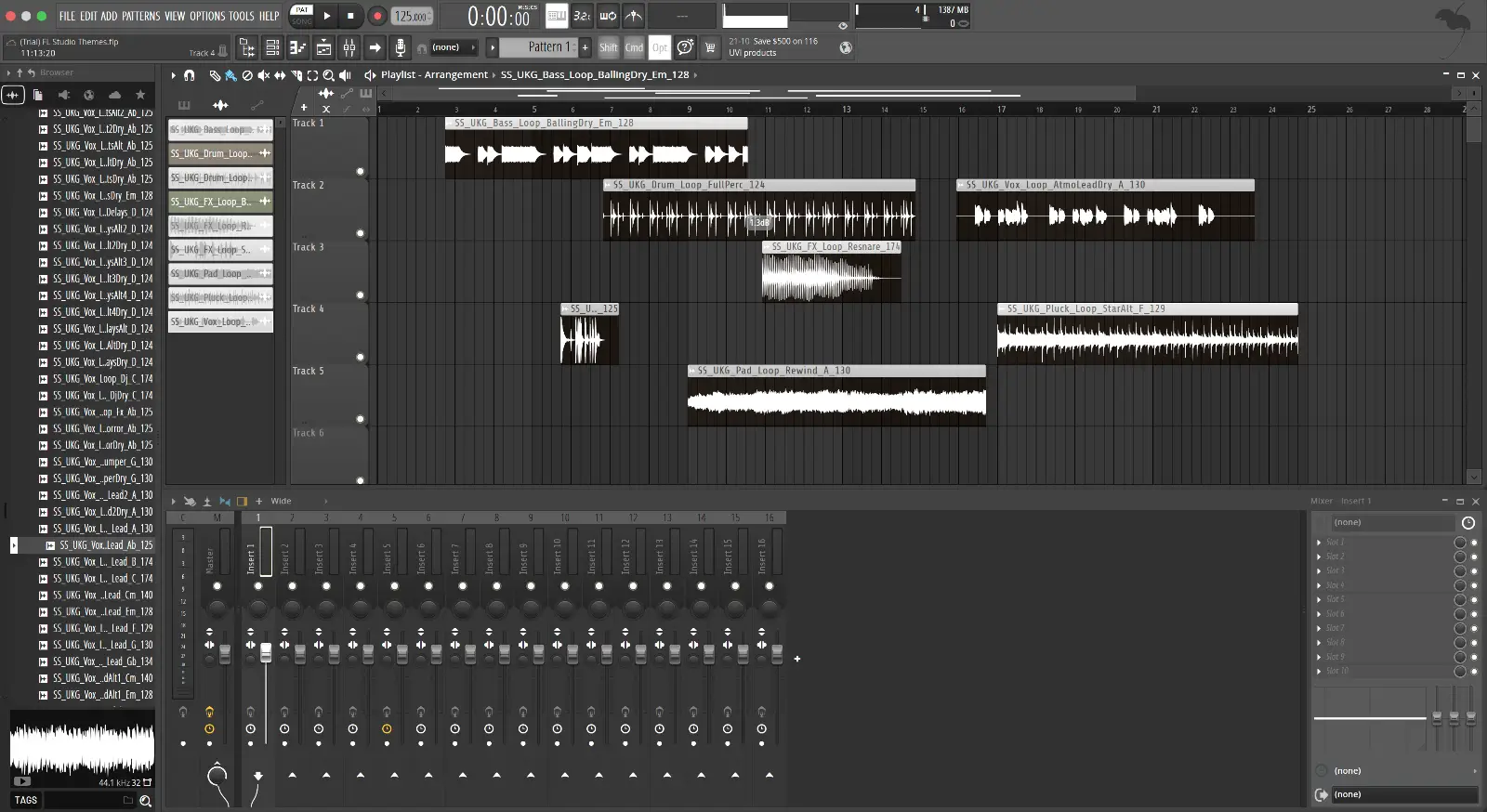
Want an FL Studio theme that does not shout? Start with Minimal.
Every panel follows the same scheme, so nothing looks bolted on.
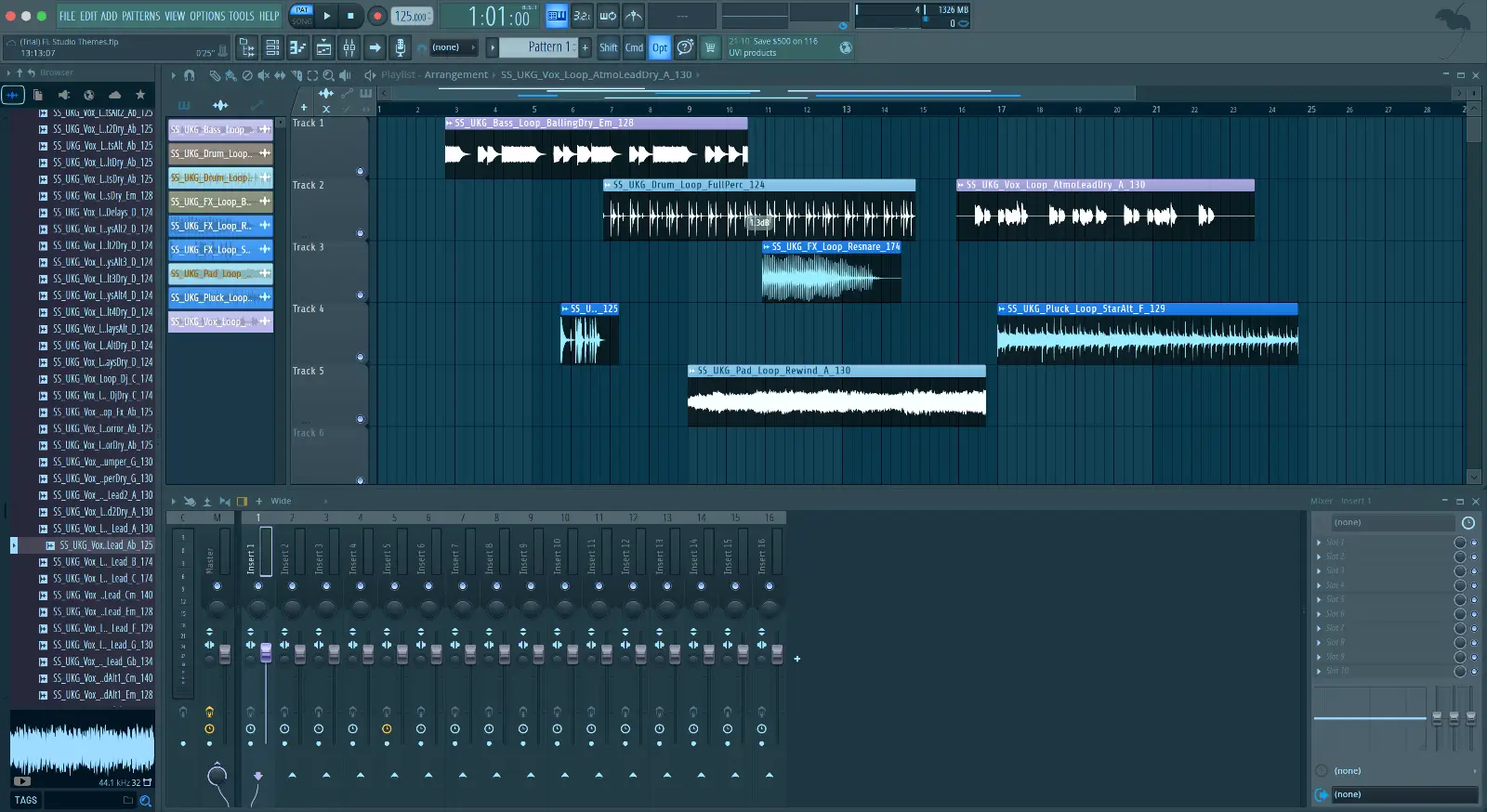
Afterlight earns its spot on this list by doing one thing well, one scheme across every window with nothing fighting it.
The look is cool steel blue panels with pale blue clips, from the browser to the mixer.
Try it for a day and keep it if it sticks, it costs nothing either way.
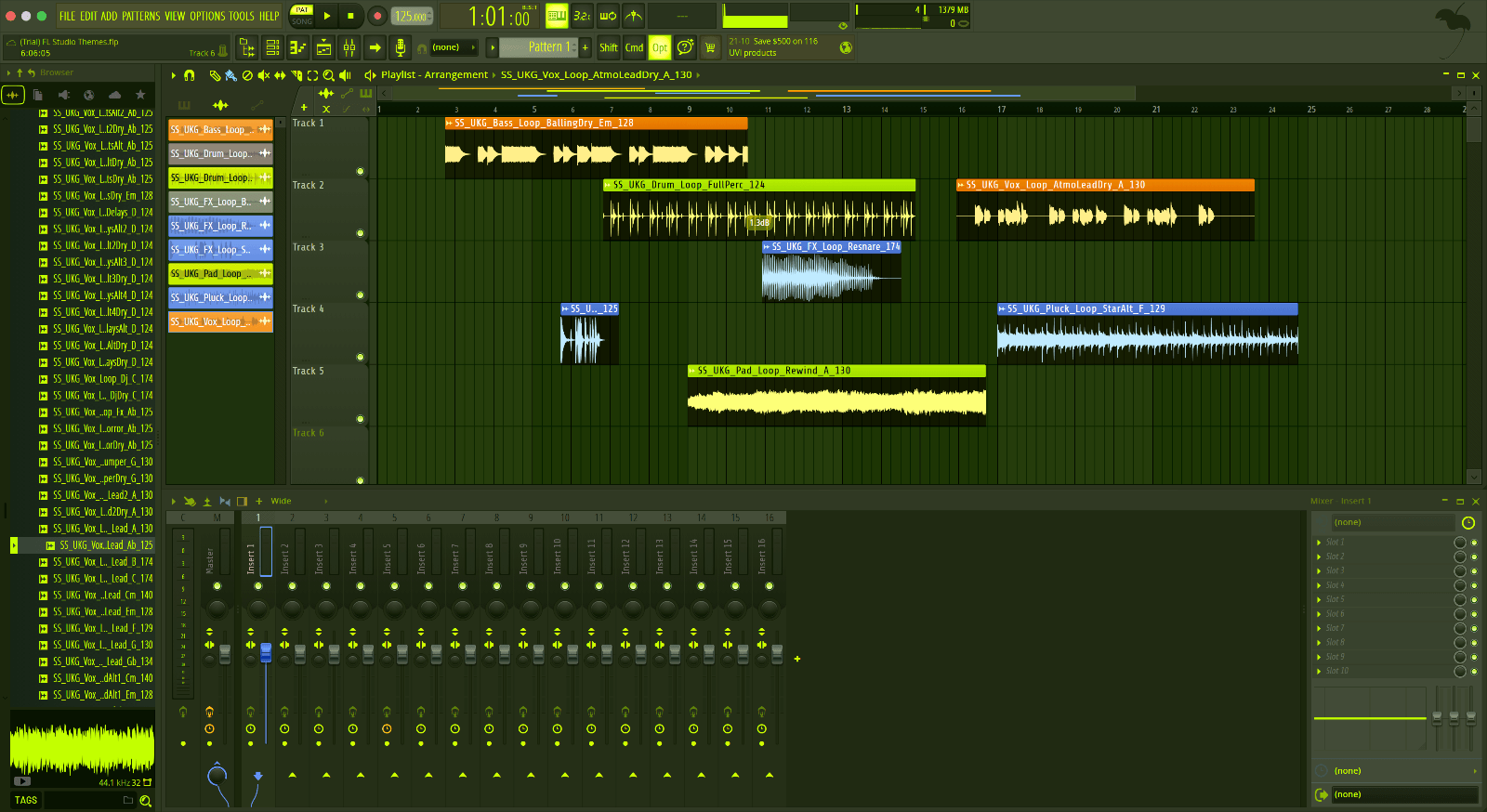
If the default FL Studio look has worn thin, Blue Circuit is the quickest change you can make.
It changes colors only. Every shortcut, layout and plugin window stays exactly where it was.
It costs nothing and installs in about a minute.
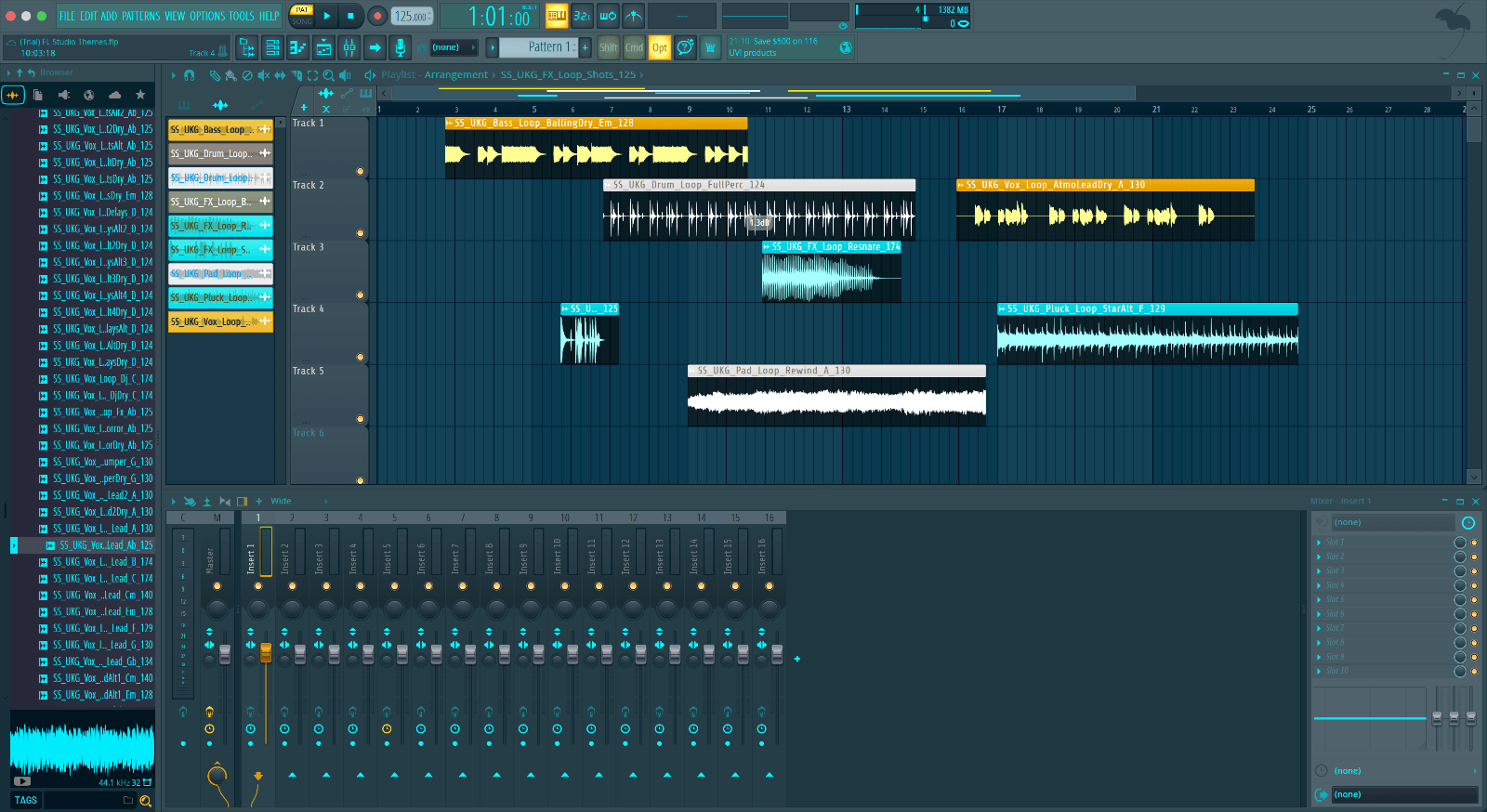
Surge Sounds put Blue Lav together as a complete theme, deep navy panels with cyan clips.
A theme is a setting, not a plugin, so it adds nothing to the CPU meter.
It costs nothing, so there is no reason not to add it to your library.
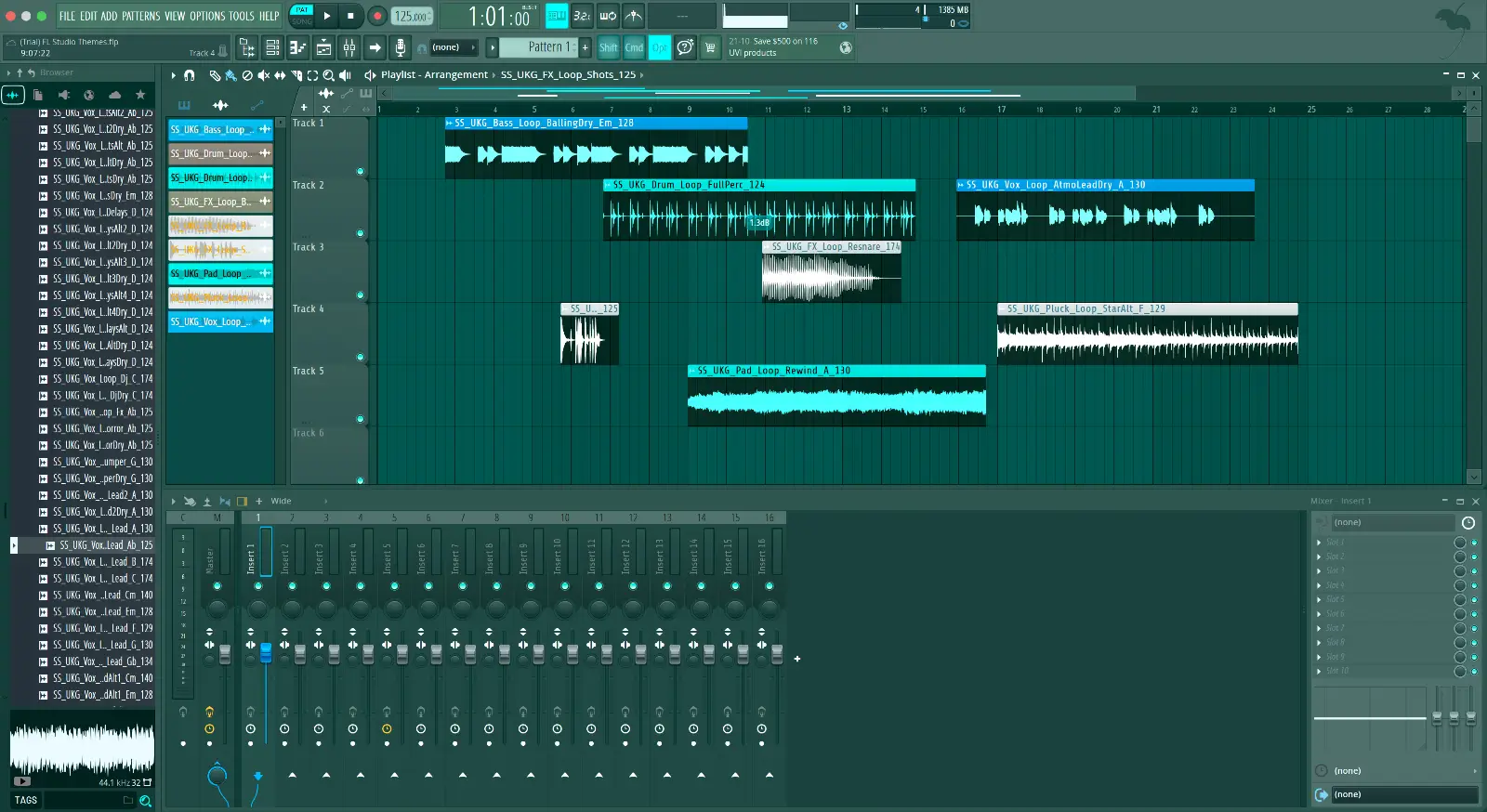
No list of FL Studio themes is complete without Blue Lights.
Blue Lights runs slate teal panels with bright aqua clips.
The browser, playlist and mixer were set together, so the three windows read as one.
Grab Blue Lights free and give the window a new look tonight.
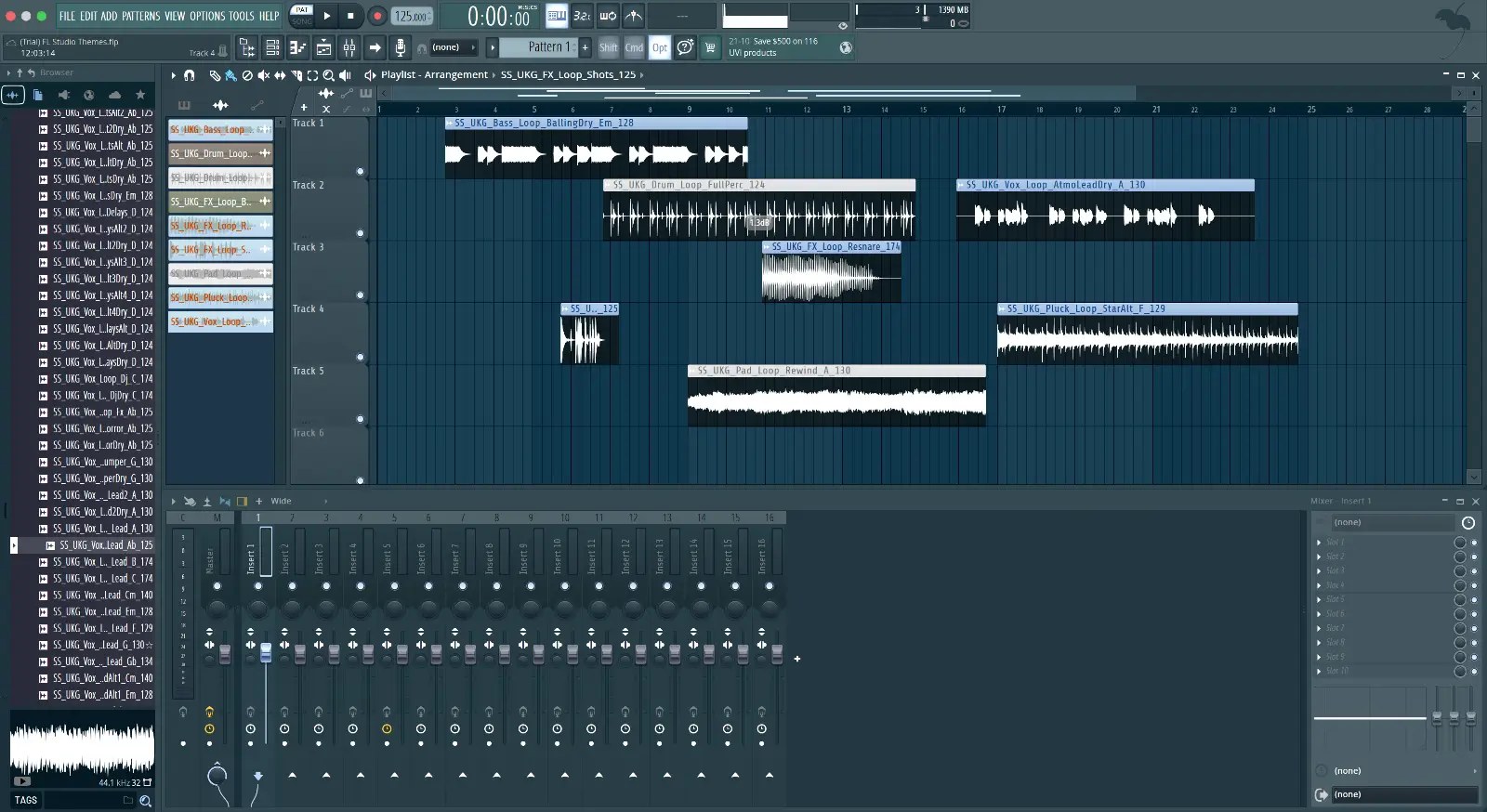
Breeze is an FL Studio theme you can look at for a whole session.
What you get is cool grey panels with soft periwinkle clips, the same scheme on every window.
The download is free, the install is one folder, and the restart takes longer than either.
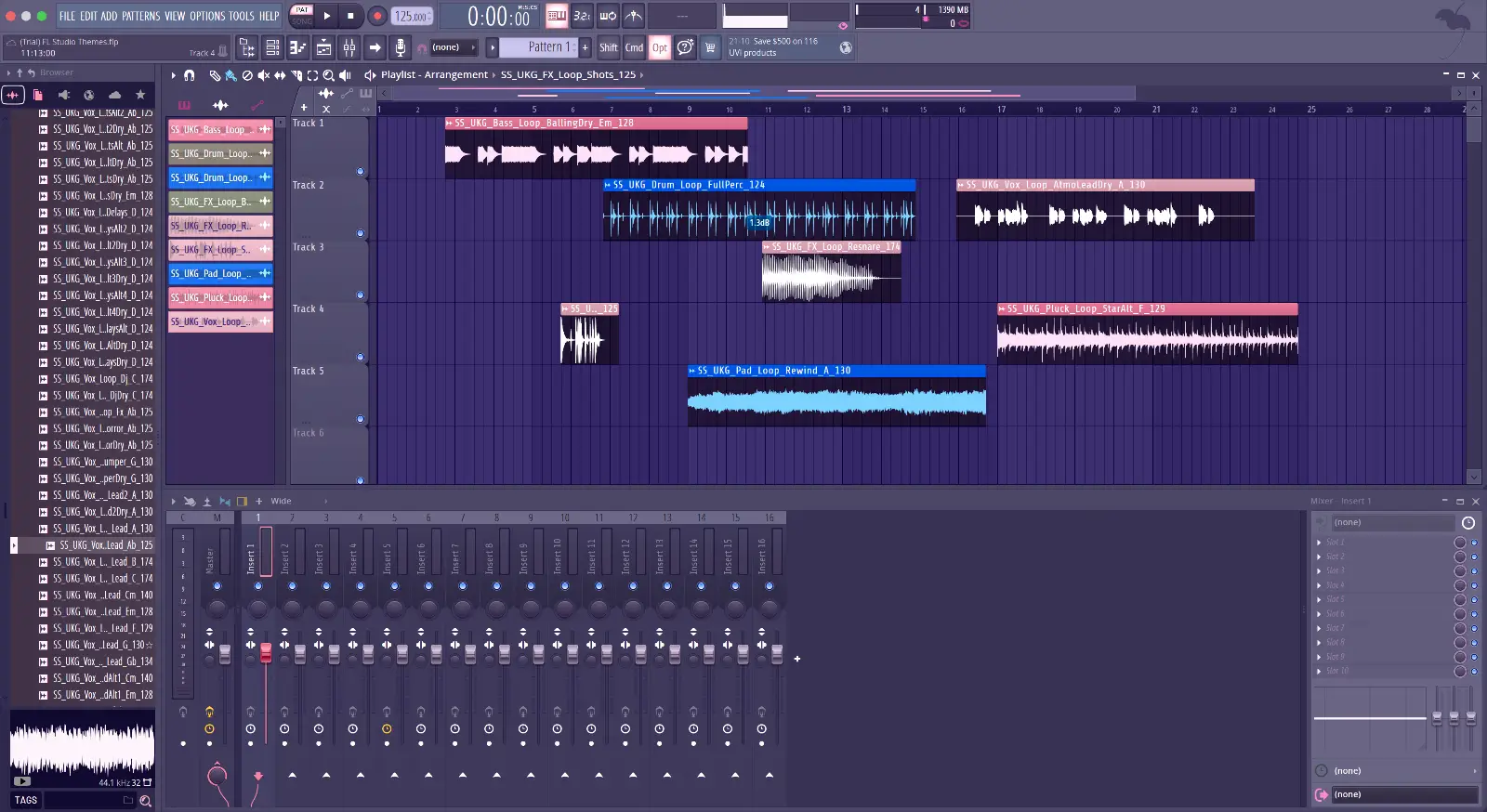
Candy Drops comes from the same in house team that makes our premium packs, and it shows.
The theme leaves the plugin interfaces alone, only FL Studio's own windows change.
Candy Drops sets lilac grey panels with pink and sky blue clips, and the meters follow.
Get Candy Drops free and put it to work tonight.
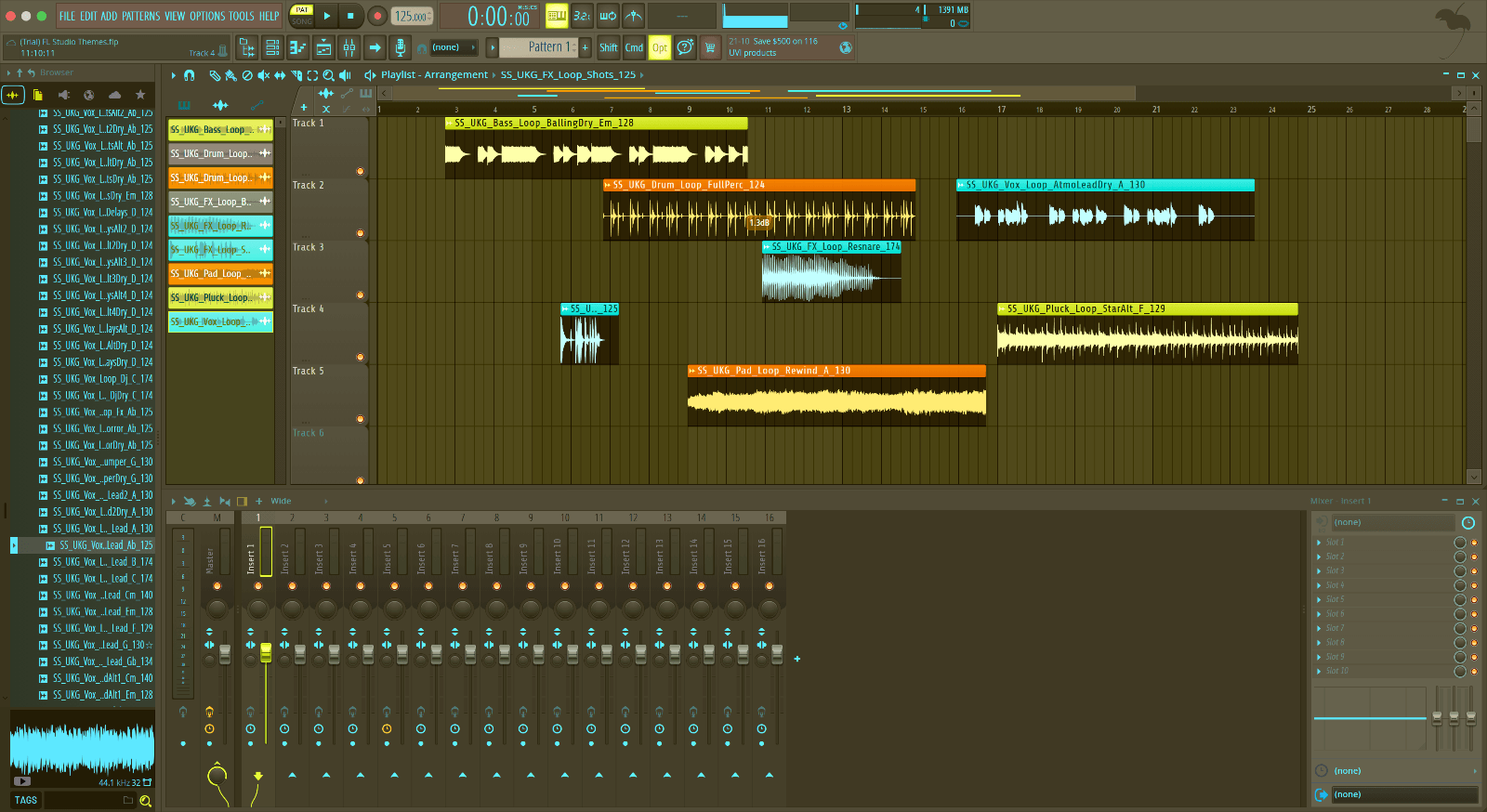
Not every free theme deserves a slot here. Hypermelodic does.
Every window in FL Studio takes the theme at once, there is nothing to apply per window.
Load Hypermelodic and the window becomes warm olive panels with yellow, orange and cyan clips.
Free, and one restart away from installed.
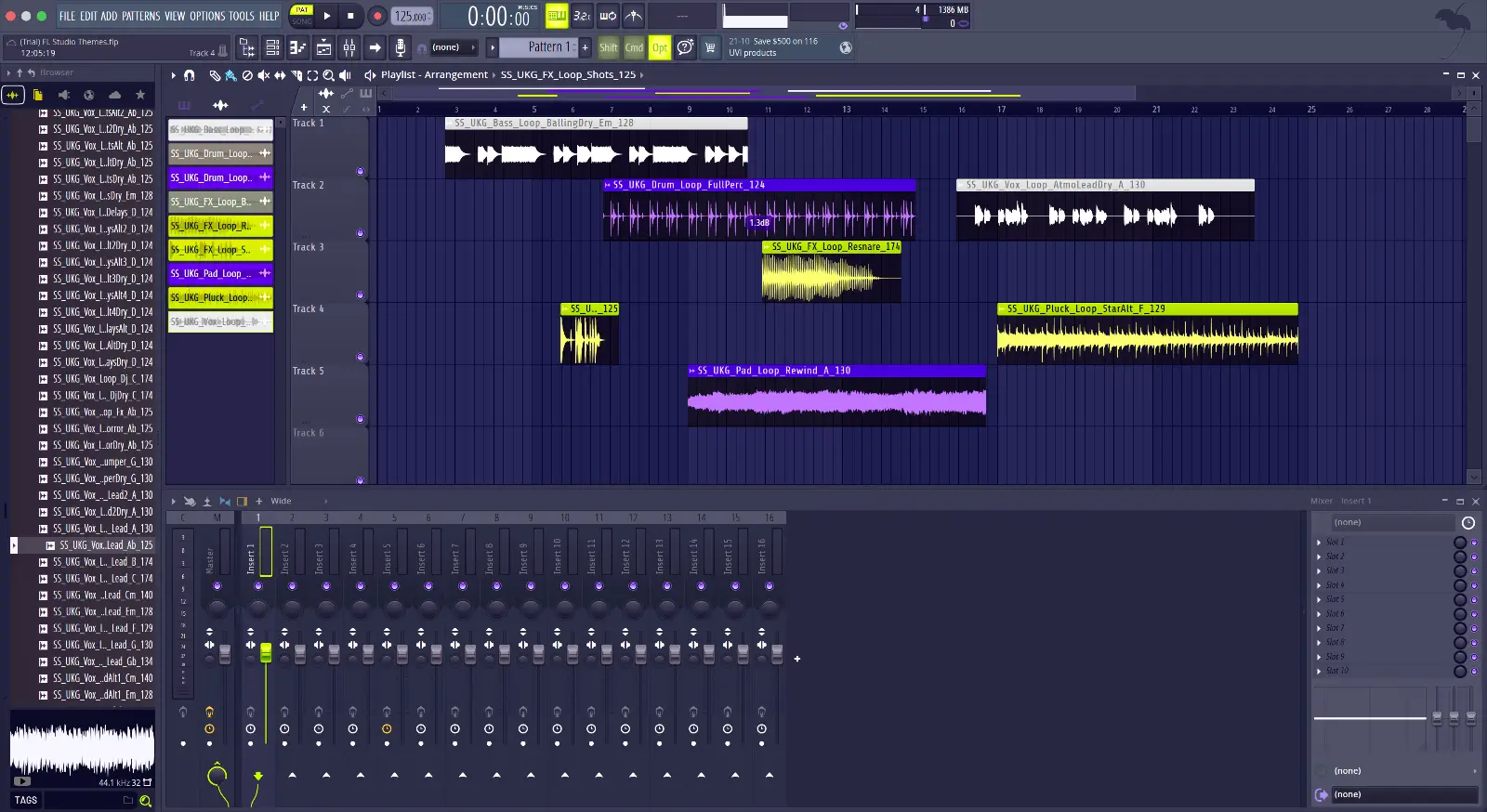
Indigo Echo is the answer to an FL Studio theme that still reads clearly at 2am.
Playlist, mixer and browser all take the same scheme, dark indigo panels with violet and lime clips.
The thumbnail shows up in the theme settings, so you can see the scheme before you switch to it.
Get it free, and the default is one click away if you ever want it back.
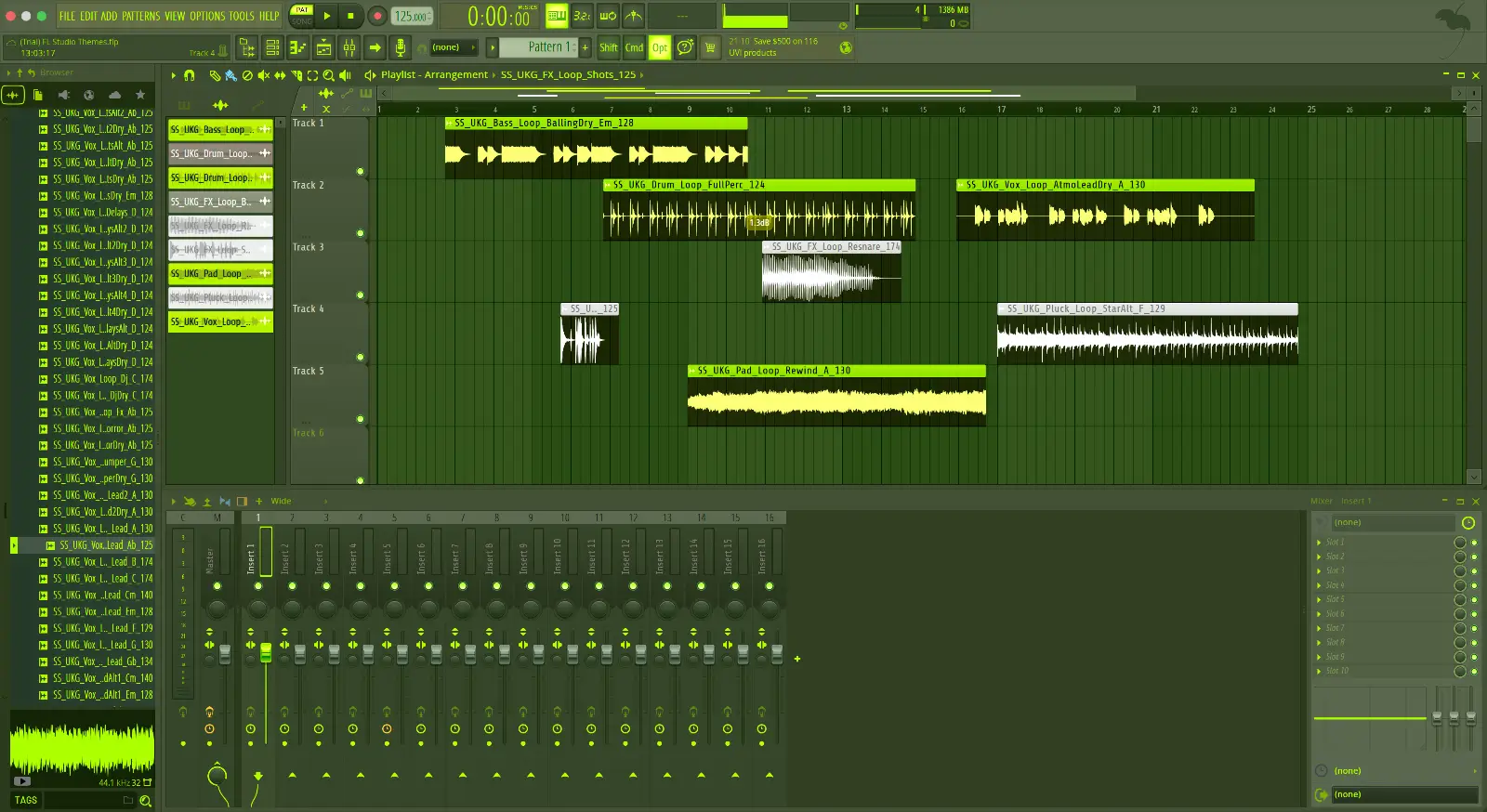
Lime is on this list for the simplest reason, it looks right in the mixer.
Expect olive green panels with lime clips when you open Lime.
One free download, and the window finally matches the music.
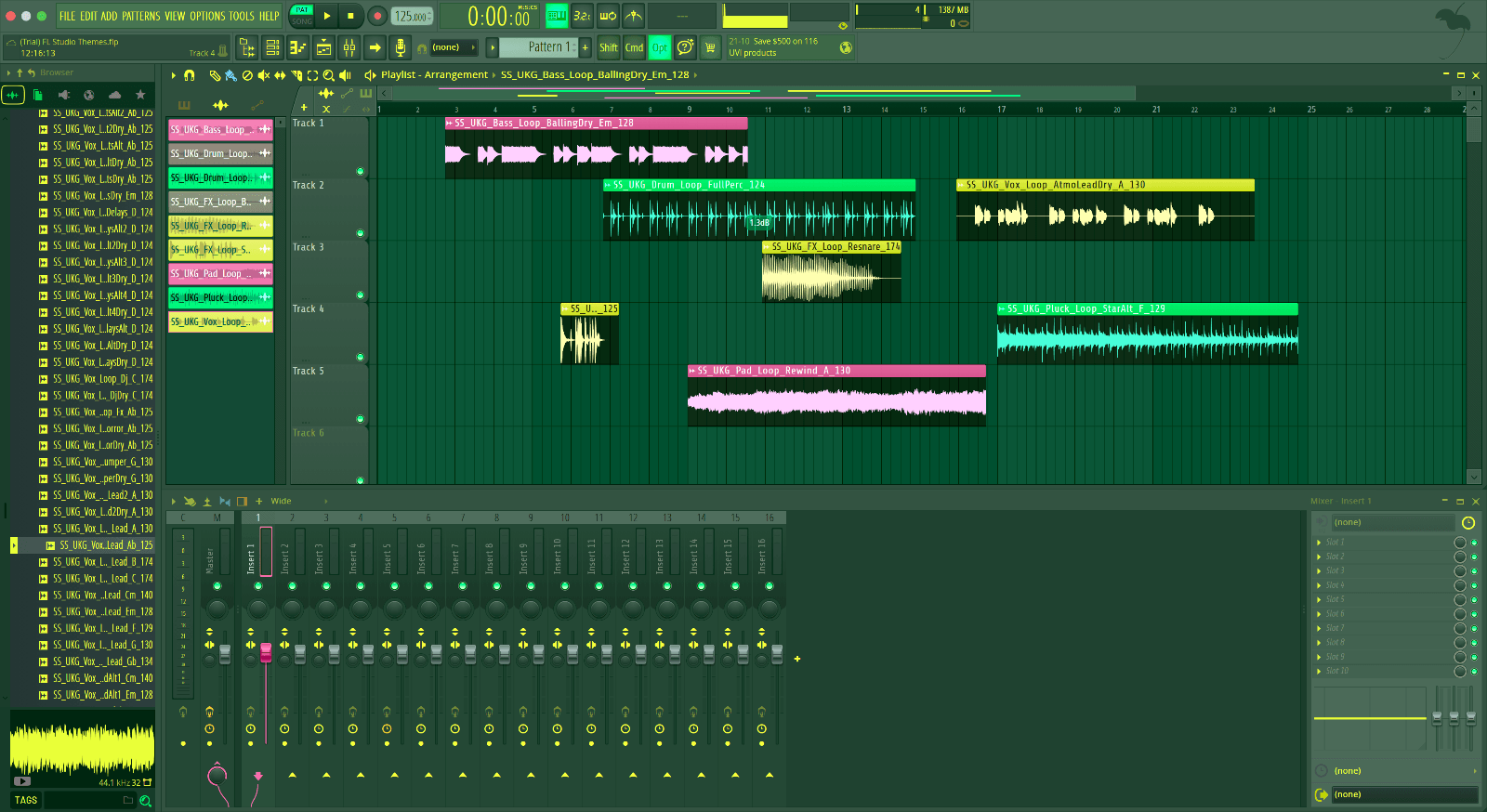
Moomba is the tropical one on this list, yellow panels with pink and green clips.
It loads from the same Themes list as the factory themes, with its own thumbnail beside them.
A theme is the cheapest upgrade a studio gets, and this one costs nothing.
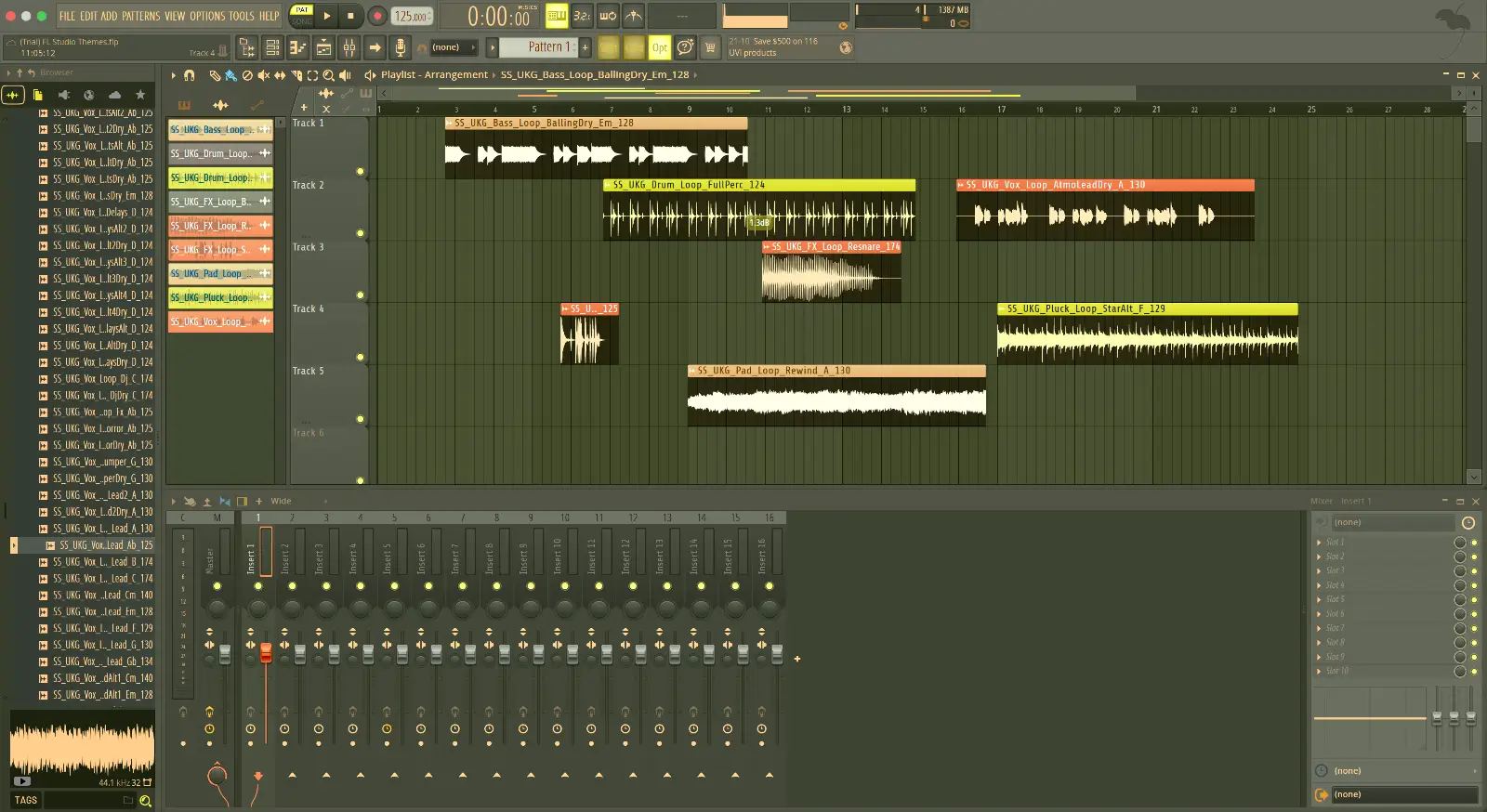
When the brief says an FL Studio theme, Naruto is the shortcut.
The scheme runs through the piano roll too, so notes read against the same background.
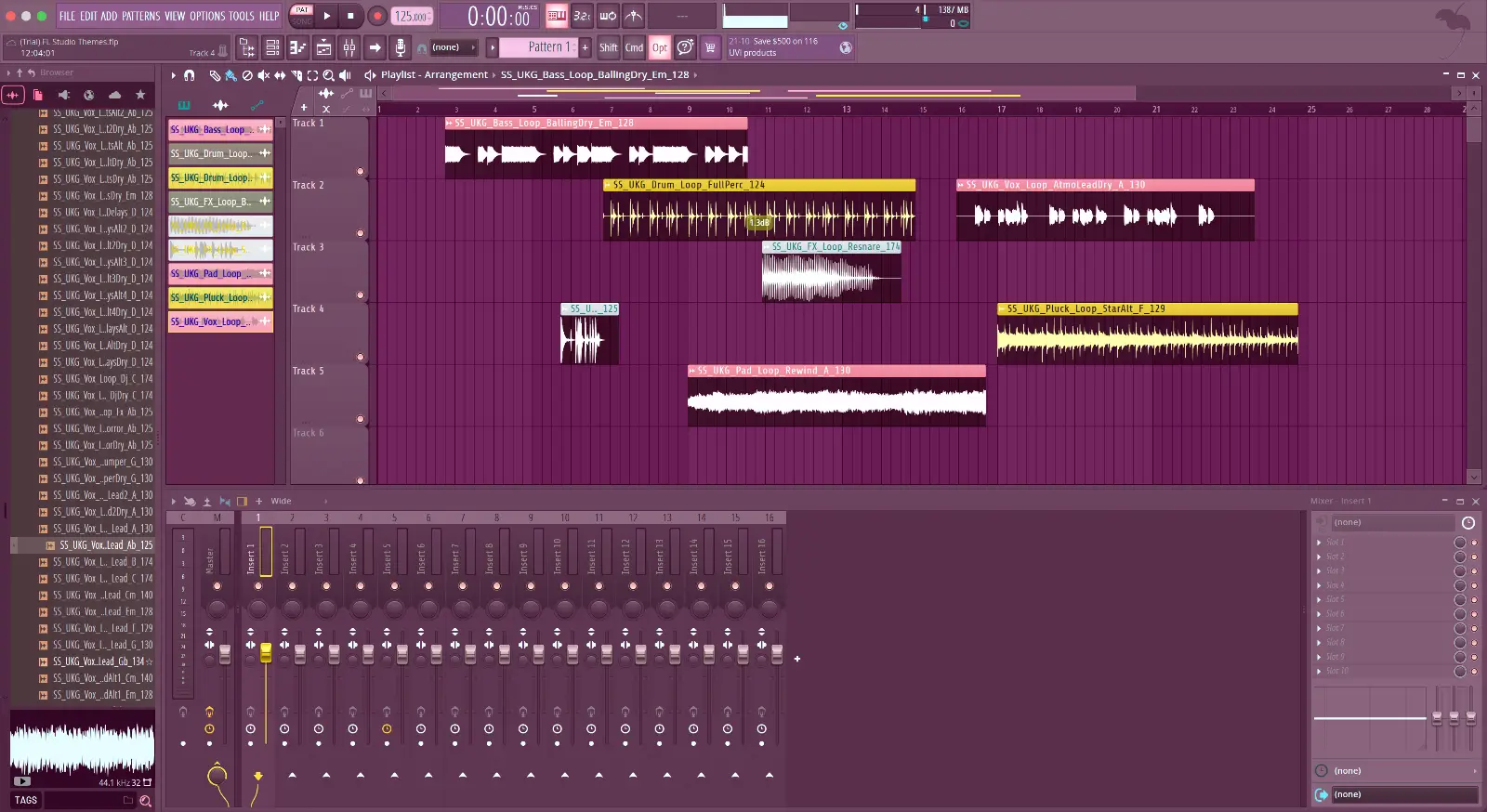
Surge Sounds made Pokemon as one free download, plum panels with yellow and pink clips.
Delete it from the Themes folder and FL Studio is back to default, no trace left.
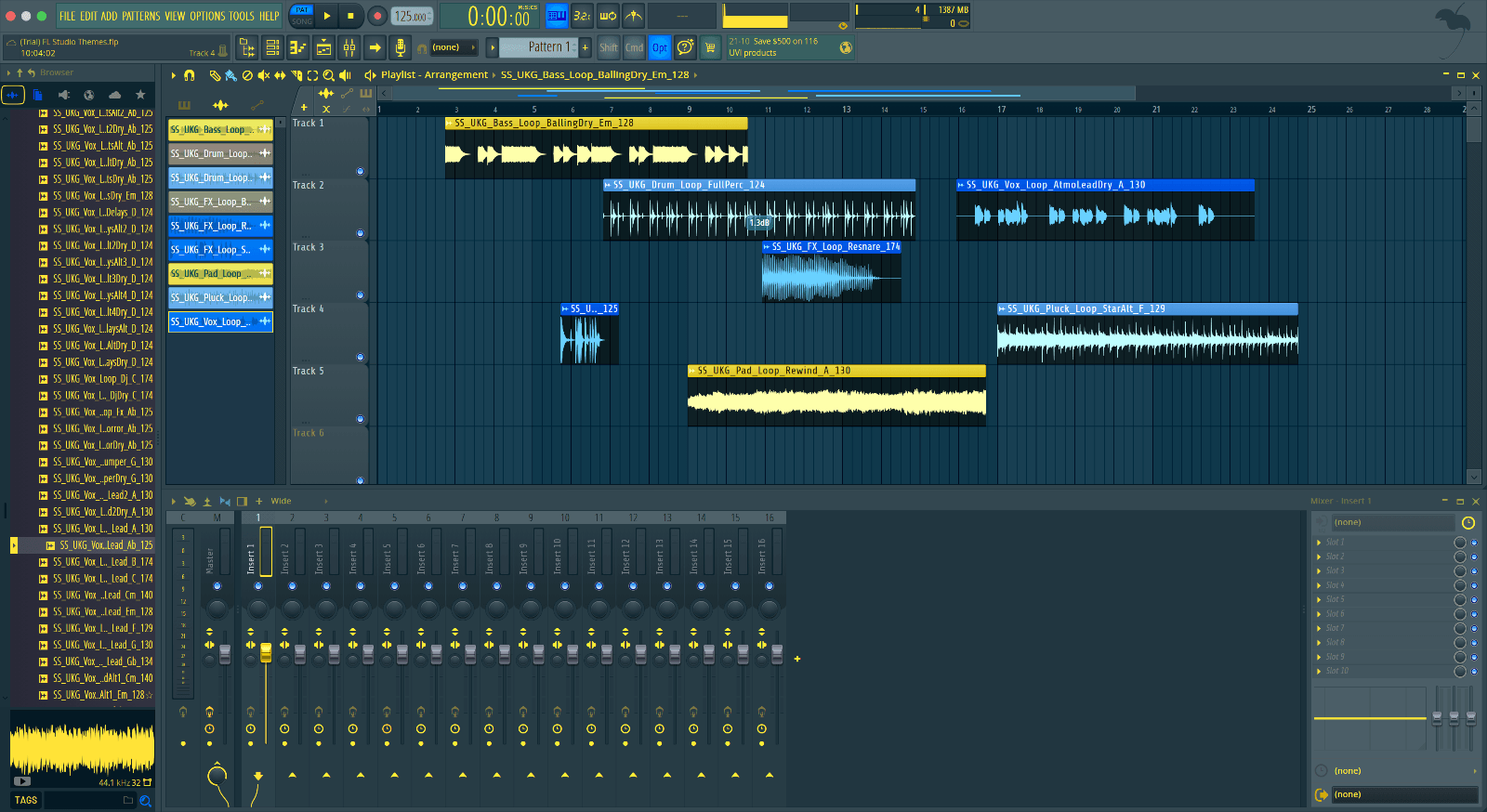
Royal Gold is on this list for one reason, it does the job of an FL Studio theme without any filler.
It installs like every theme here, one folder dropped into Themes, so the steps never change.
Try out Royal Gold free and see how the mixer looks in it.
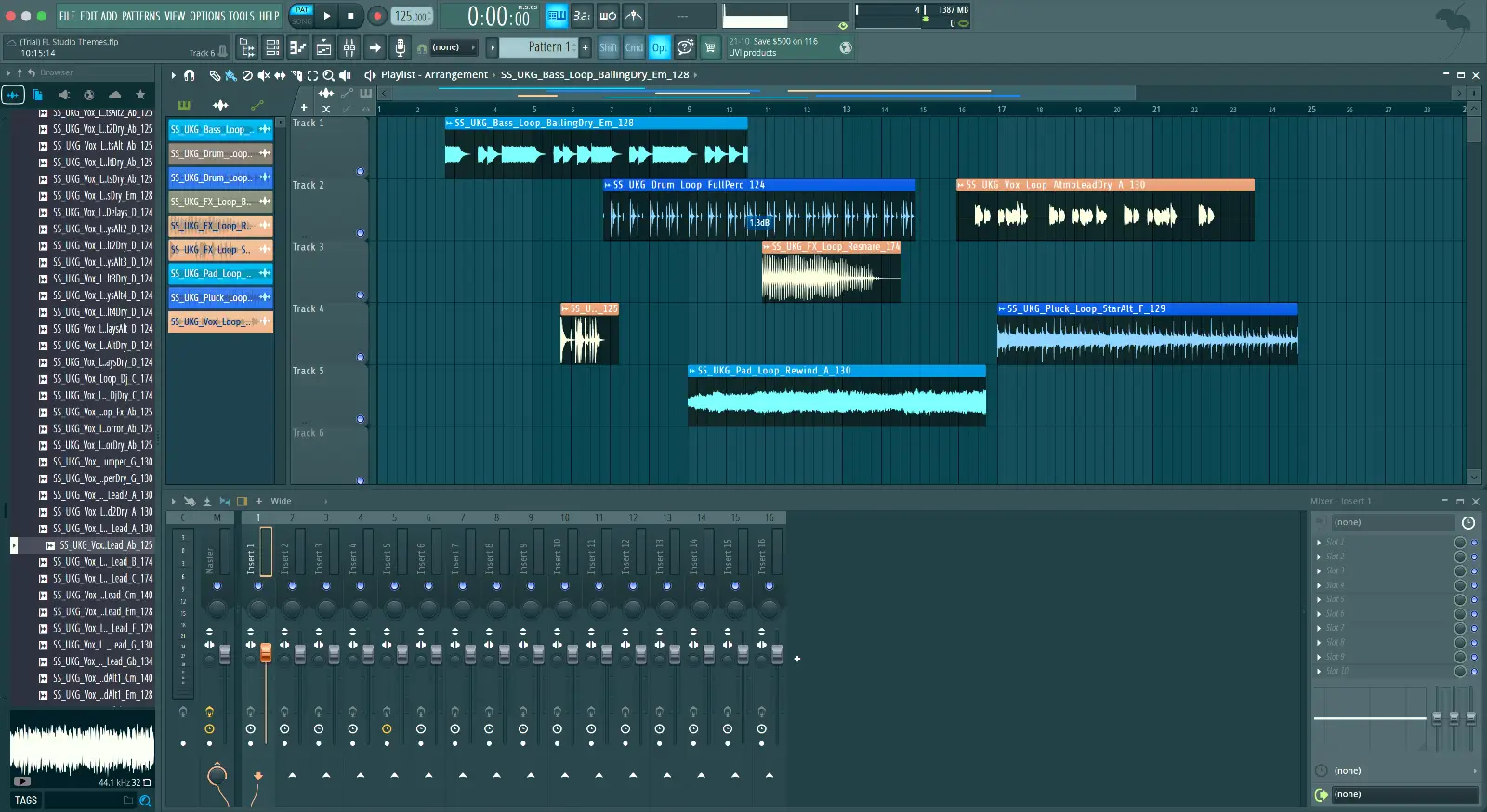
Put simply, Sub Waves is the theme to have when you want the window to match the music.
Nothing about the workflow changes, only what you look at for eight hours.
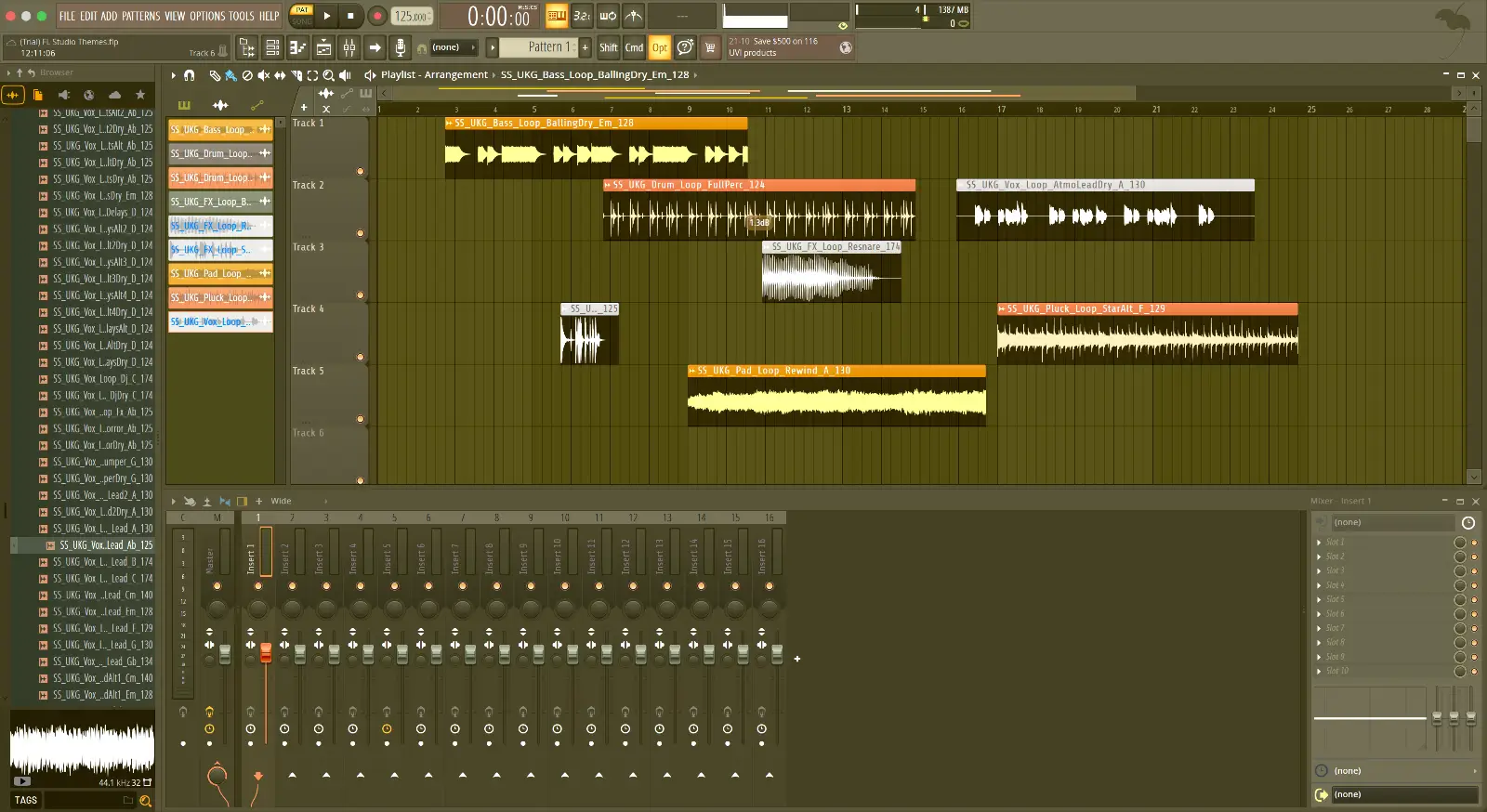
Surge Sounds built Sunrise in FL Studio's own theme editor, golden brown panels with orange clips.
It is one scheme done properly, not five colors fighting each other.
Keep it on for the next session and see if the mix view reads faster.
Hopefully this list helped you find a theme you can produce all day in.
When you want more, the free packs page holds everything.
Free Sample Packs. Loops, One-Shots and Drum Kits
Surge Sounds designs cutting edge presets and samples.